🍽️Restaurant menu scanner
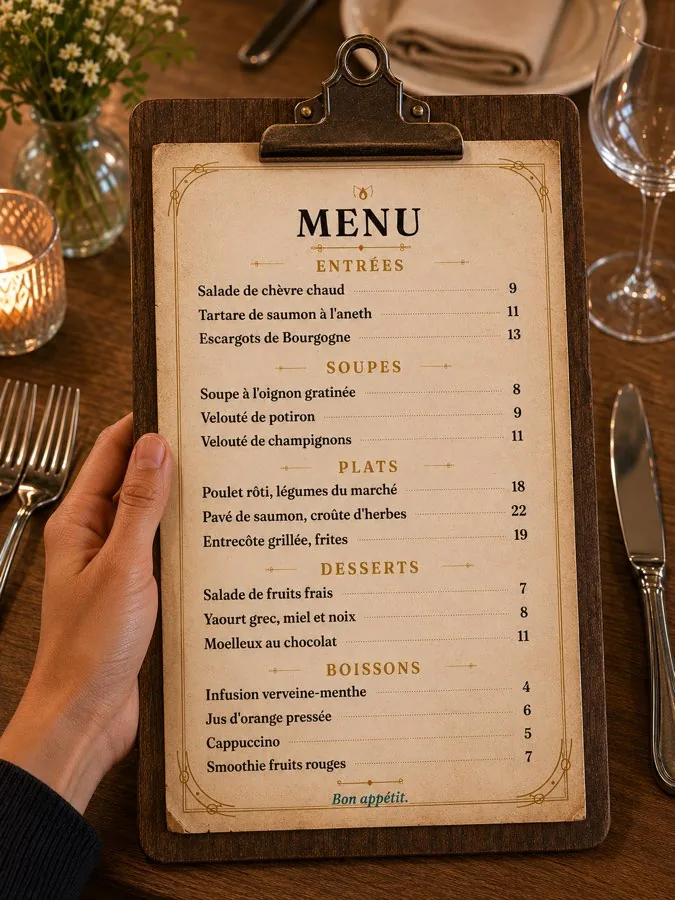
Point the camera at a menu — calories appear over every dish before you order.
How it works
- 1Point your camera at the menu — printed, on a board or in another language.📖
- 2Calories and macros appear over every dish, right on the menu.🔢
- 3Pick the dish that fits your day — and log it in one tap after you eat.✅
What you get
- 🍽️Calories and macros for every dish before you order.
- 🌍Menu translation into 21 languages — understand what you are ordering abroad.
- 🎯Dishes highlighted for your goal and allergens — see at a glance what fits.
- 💡Made from a user's request — Karen from Boston asked for it, and we built it.
Questions
Does it work with menus in foreign languages?
Yes. The menu is translated into your language — Me Nutrition supports 21 languages.
Where do the calories come from?
Each dish is matched to a typical recipe, and you get an estimate of its calories, protein, fat and carbs. Restaurants cook differently, so treat it as a guide and adjust the portion when you log.
Can it warn me about allergens?
Dishes that may contain your allergens or don't fit your diet are highlighted. Always confirm with the restaurant — recipes and kitchens differ.
Do I have to log the dish separately?
No — after the meal you add the dish you chose in one tap and adjust how much you ate.
Try Me Nutrition free
3 days free, then a subscription you can cancel anytime in App Store settings. iPhone now, Android coming soon.
Download on the App Store