📸Calories by photo
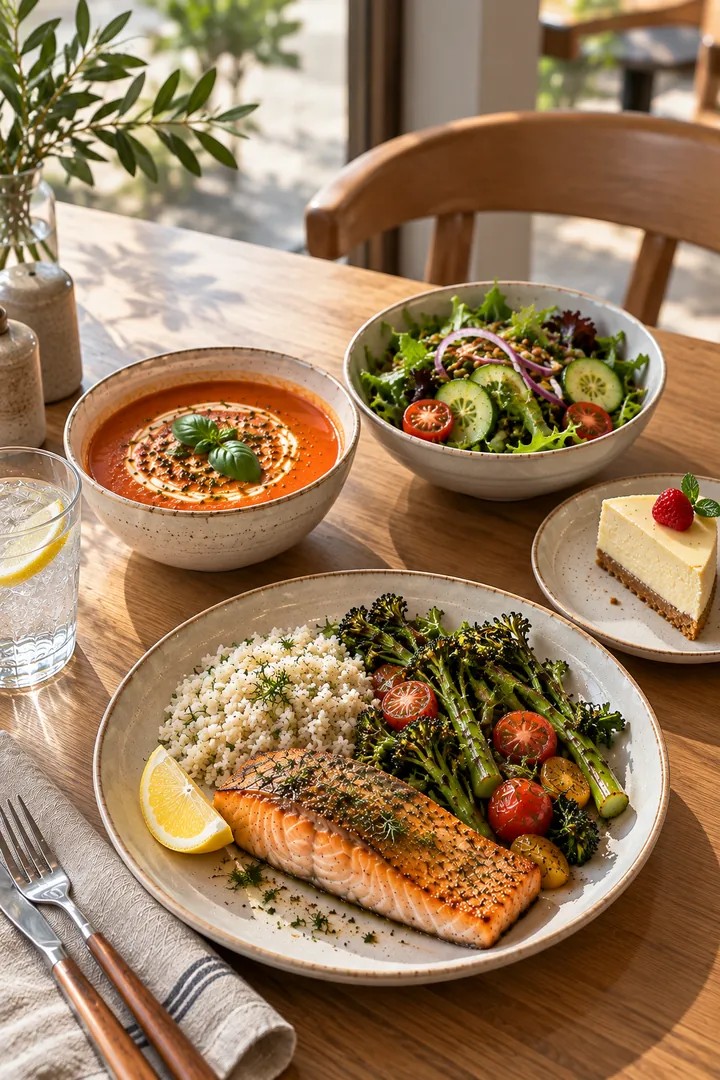
Snap the whole table — every dish gets its own calories and macros. Ate only half? Slide it.
How it works
- 1Take one photo of your plate or the whole table.📸
- 2Every dish is recognised separately — soup, salad, main and drink each get calories, protein, fat and carbs.🔍
- 3Adjust what you actually ate: slide to half or a quarter, remove what you didn't touch — the day's total updates.🎚️
What you get
- 🍱Whole meal, every dish separately — no need to photograph plates one by one.
- 🥗Calories, protein, fat and carbs for each dish, plus vitamins, minerals, sugar and salt.
- ⚠️Allergens and diets shown on every dish — gluten, dairy, nuts and more.
- 🎙️Not in the mood for a photo? Log by voice, by text or with the barcode scanner.
- 🎯A daily target from your goal — lose, maintain or gain weight; the ring shows what's left for today.
Questions
How accurate is calorie counting from a photo?
A photo gives a good estimate of the dish and portion, not a lab measurement. Restaurant and home recipes vary, so you can always correct the portion or how much you ate — the numbers update instantly.
Can it count several dishes in one photo?
Yes. That is the main idea: one photo of the whole table, and each dish gets its own calories and macros.
What if I ate only part of the dish?
Slide the portion to what you actually ate — half, a quarter or any amount — or remove a dish completely.
Does it work with national and home-cooked dishes?
Yes. The app recognises dishes from around the world; our dish guide alone covers more than 2,400 dishes from 120+ countries.
Try Me Nutrition free
3 days free, then a subscription you can cancel anytime in App Store settings. iPhone now, Android coming soon.
Download on the App Store